
Employees will receive notifications when their leave application was approved or rejected.
Steps to View Notifications:
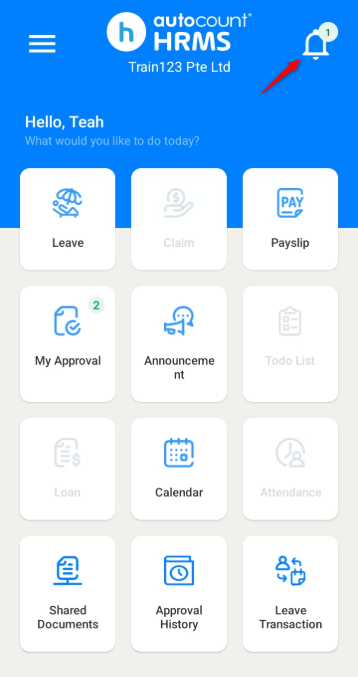
1. Click on the bell icon at the top right corner.
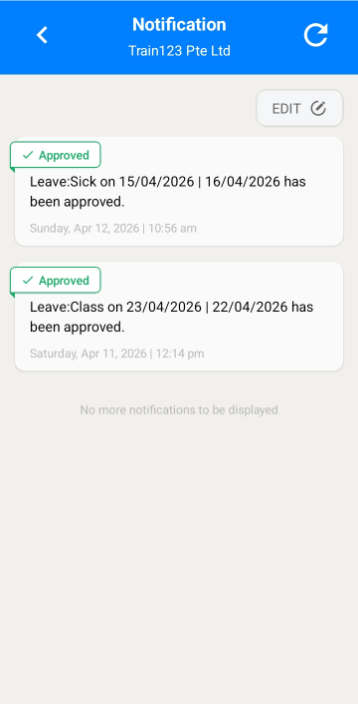
2. All notifications will be displayed in a list.
Steps to Clear Notifications:
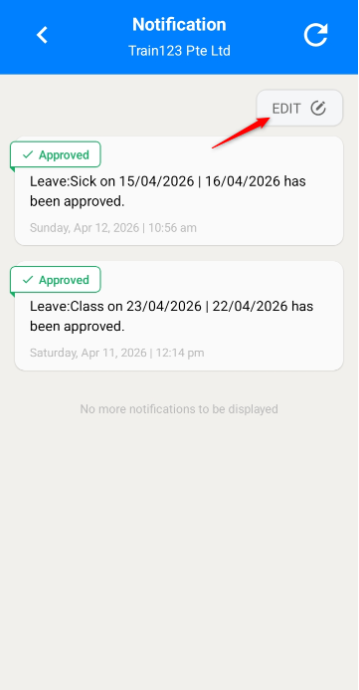
1. Click Edit to manage the notification list.
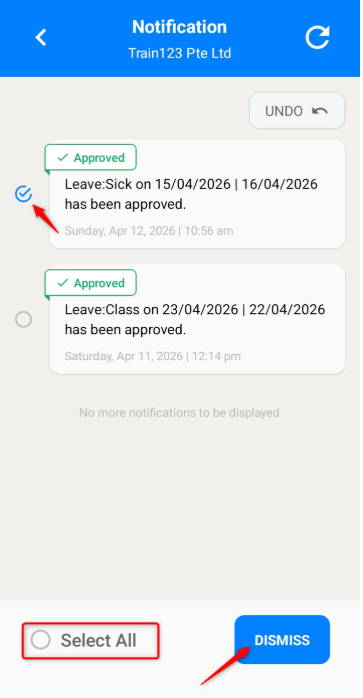
2. Select the notifications you wish to clear or click Select All and click Dismiss.
3. The notifications selected will be removed from the list.
Written by: Teah Rui Harn (20260411)
Reviewed by: Tek Ee Lin (20260417)