
The AutoCount HRMS mobile application allows users to access HR functions conveniently. Employees may log in to the app after being invited to the system by their HR manager.
Steps to Download the HRMS Mobile App:
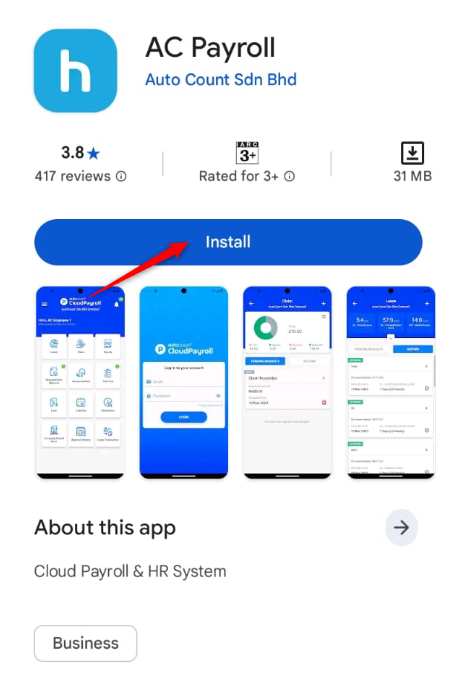
1. Go to Google Play Store, Huawei App Gallery or Apple App Store.
2. Tap Get, Install or Download to install AC Payroll.
Steps to Log in to HRMS Mobile App:
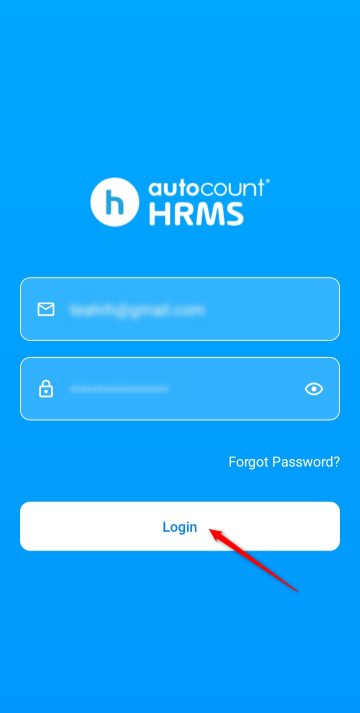
1. Launch the AC Payroll app.
2. Enter your email and password. The login credentials are the same as those used for the web-based HRMS platform. You will receive an invitation email from HR upon invitation.
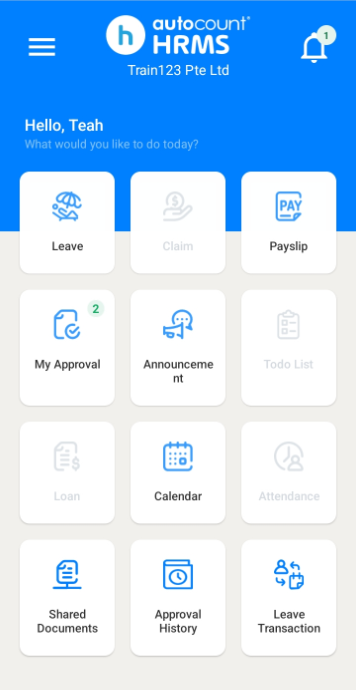
3. You may then access the ESS functions in the app.
Steps to View Your Company:
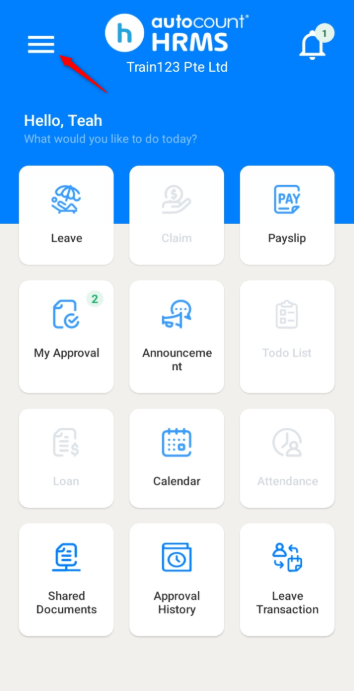
1. Click the three horizontal lines icon at the top left corner.
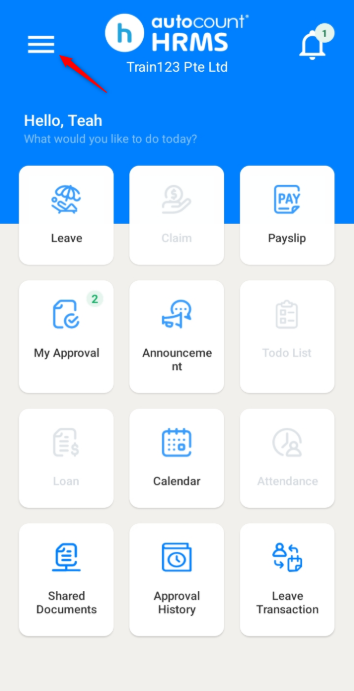
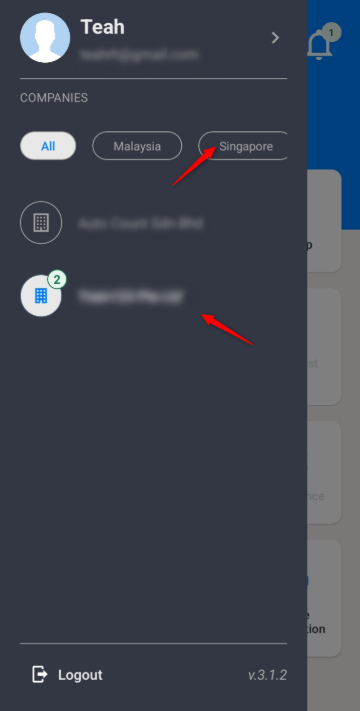
2. Go to Singapore and select your company.
Steps to Log Out:
1. Click the three horizontal lines icon at the top left corner.
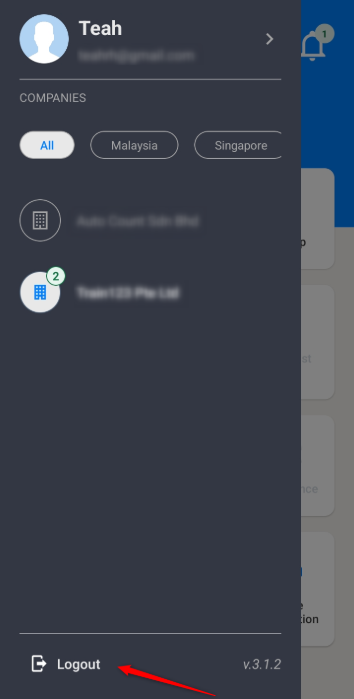
2. Click Logout.
Written by: Teah Rui Harn (20260412)
Reviewed by: Tek Ee Lin (20260417)