
This feature allows employees to view documents shared by the company, including announcements and company policies, as well as private documents issued to them, such as HR letters.
Steps to View and Download Company Shared Documents:
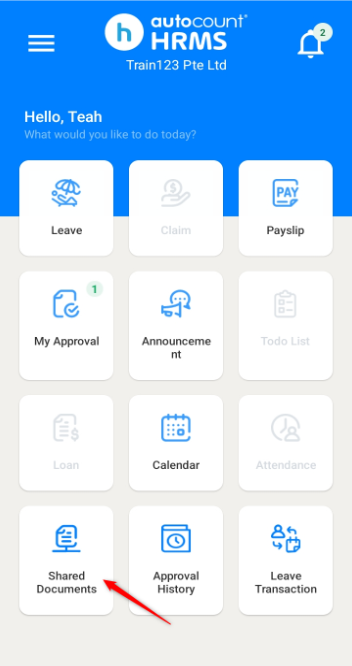
1. Go to Shared Documents.
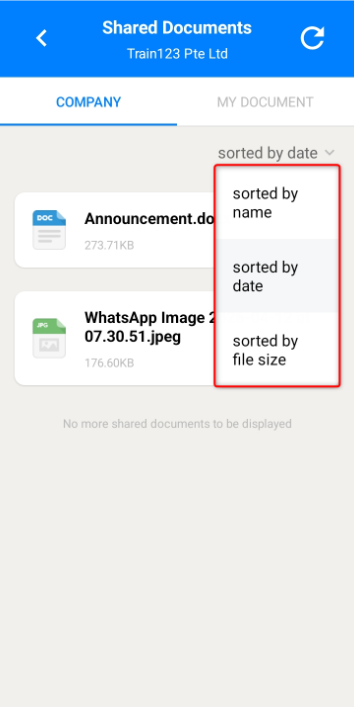
2. You may sort the documents by name, date or file size.
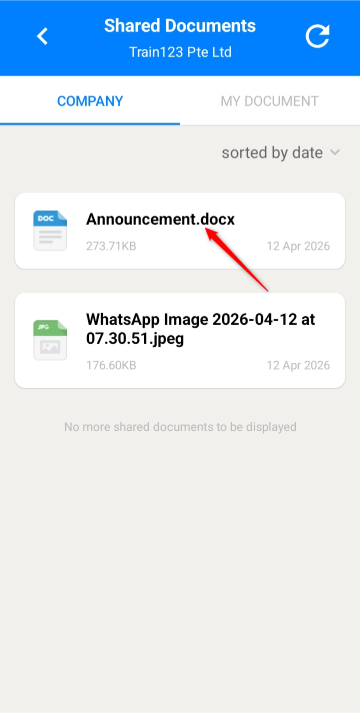
3. Click on the document to download.
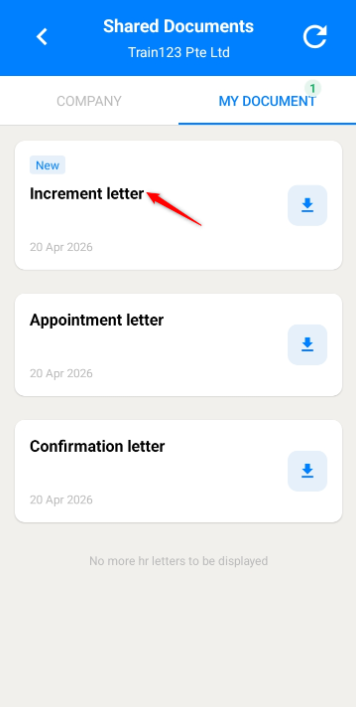
Steps to View and Download HR Letters:
1. Go to Shared Documents.
2. Navigate to My Document tab.
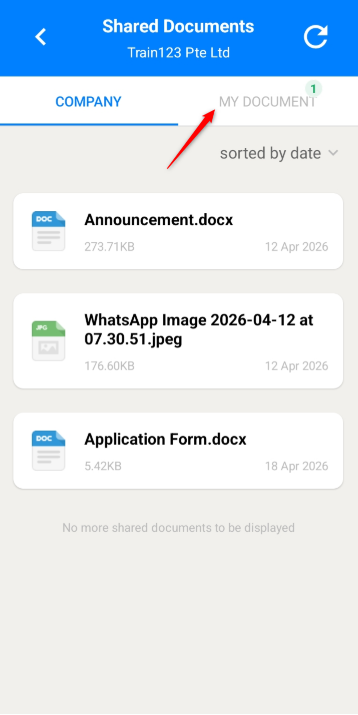
3. Click on the letter to download.
Written by: Teah Rui Harn (20260412)
Reviewed by: Tek Ee Lin (20260417)