
Government tax forms can be generated automatically using employee and payroll data stored in AutoCount HRMS at IRAS Submission.
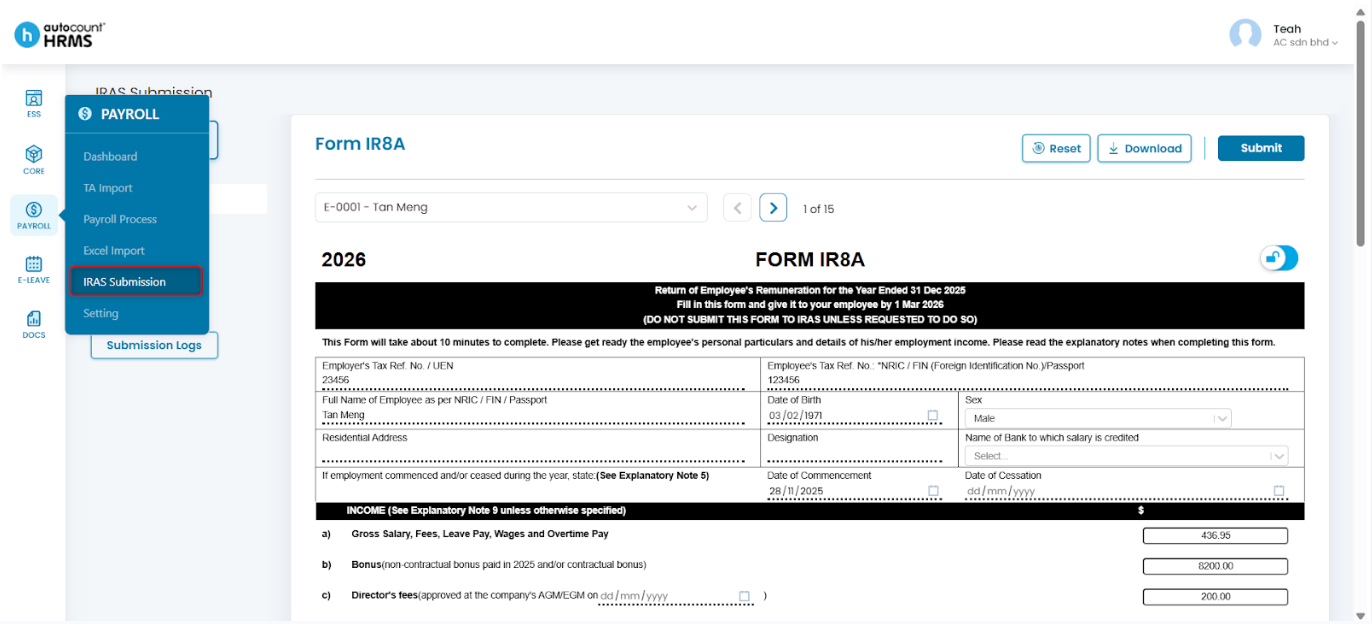
Steps to Generate a Government Tax Form:
- Go to Payroll > IRAS Submission.
- Select the year of submission under IRAS Submission.
- Choose the required tax form template from the list.
- Preview the auto-filled details and make any necessary updates.
For detailed guidance on each tax form and submission requirements, refer to IRAS Submission.
Written by: Teah Rui Harn (20260102)
Reviewed by: Tek Ee Lin (20260108)