
You can view the payroll history for a specific month at Payroll Process > Month History immediately after a payroll run.
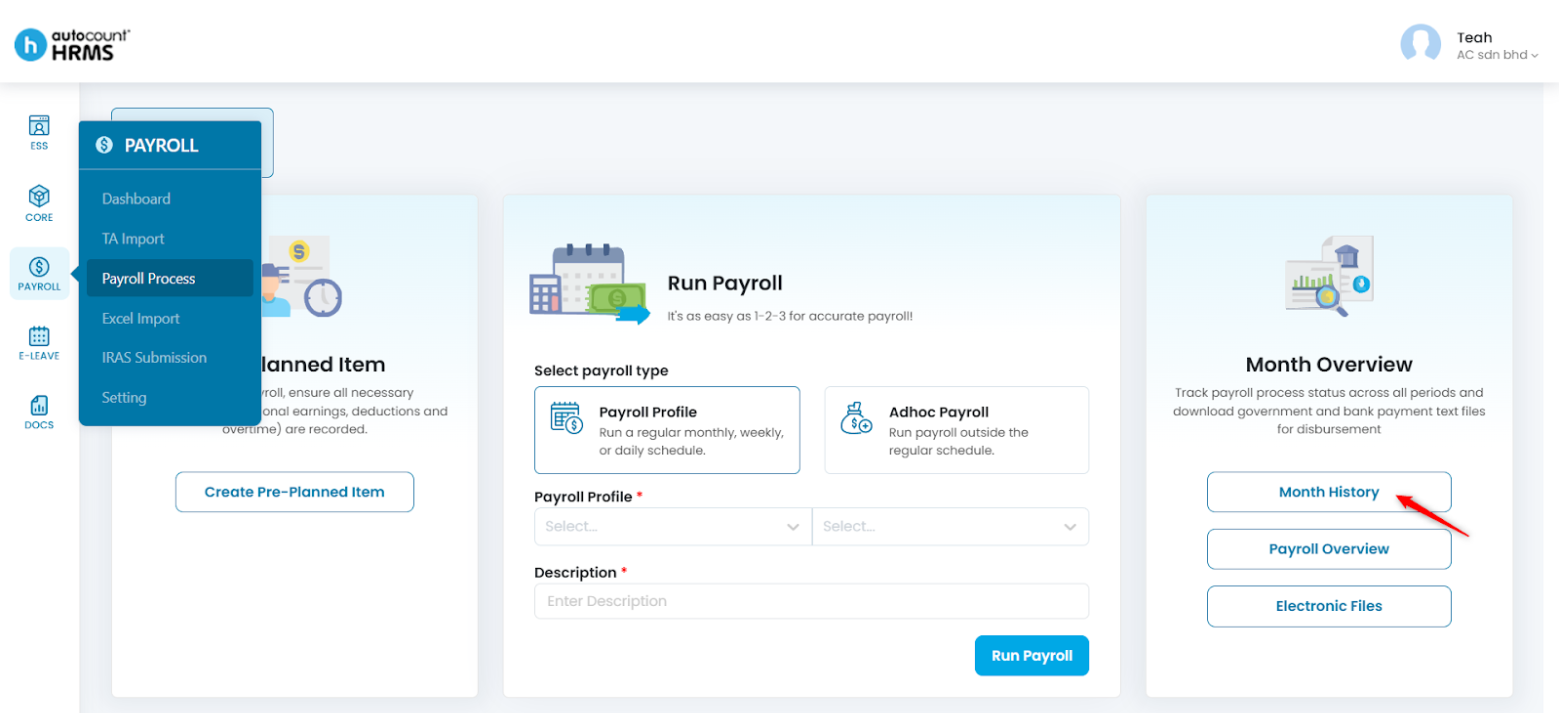
Steps to View Payroll History:
- Go to Payroll > Payroll Process.
- Click on the Payroll Month field and select the month and year you want to view or process.
- Select Month History.
Refer to Month Overview to view full instructions and other month overview features including Payroll Overview and Electronic Files.
Written by: Teah Rui Harn (20251231)
Reviewed by: Tek Ee Lin (20260108)